
Developing a website involves more than writing code. You also need reliable references, a way to check browser support, tools for debugging, and a repeatable approach to accessibility and security. These free web development resources cover those jobs without asking a solo developer or small team to adopt a large toolchain.
Resource availability and documentation links were checked on October 3, 2026. “Free to access” does not mean that every dataset, image, or code sample can be republished without conditions. Review each resource's current license and privacy terms before reusing its material or submitting client data.
Learn web platform fundamentals
MDN Web Docs combines learning paths with reference documentation for HTML, CSS, JavaScript, and browser APIs. Use it to understand a feature and check its behavior before adding a dependency. Its guides are free to read; check MDN's reuse terms before copying or republishing documentation or examples.
Check browser support before you depend on a feature
Can I Use provides browser-support tables for web platform features. Check the browsers your customers actually use, then confirm important behavior in those browsers: support tables are a planning aid, not a substitute for testing your site.
Validate markup and debug the page
- Nu Html Checker reports HTML conformance problems that can make markup behave inconsistently. Validation does not prove that a page is usable, secure, or accessible.
- Chrome DevTools helps inspect a page, diagnose JavaScript and network errors, and profile layout and runtime behavior in Chrome. Use other browsers too when your support requirements include them.
- Lighthouse can audit performance, accessibility, best practices, and SEO from Chrome DevTools or its command-line workflow. Treat a report as a set of findings to investigate, not as a guarantee or a single score that describes the whole site.
These tools are free to use. If the page or source code is private, prefer local tools and avoid submitting confidential material to a public service.
Check accessibility with automated and manual methods
axe-core is an open-source accessibility testing engine that can be integrated into browser tests. Its code is licensed under MPL-2.0; review the license when distributing a modified copy. Automated findings are only part of an accessibility review.
Use the W3C WAI evaluation guidance to plan manual checks as well. Test keyboard operation, zoom and reflow, visible focus, form instructions, and representative tasks with assistive technology. Fixes should be checked in the context of the complete page, not only in an automated report.
Use a security reference while implementing features
The OWASP Cheat Sheet Series offers focused security guidance on topics such as authentication, input handling, and session management. Apply the guidance for your framework and threat model; a checklist does not replace secure configuration, dependency updates, or review of your application's data flows.
Create non-sensitive test profiles
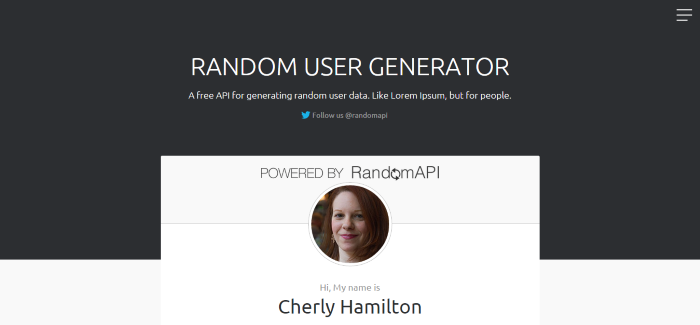
Random User Generator remains useful when a prototype needs synthetic names, addresses, and profile images. Keep generated values in test fixtures; do not use them to represent real people, and do not put customer or other sensitive data into a third-party test tool. Check its API documentation before relying on request behavior in an automated test.
For a small prototype that also needs a palette, see our guide to color scheme generators. When choosing a resource, prefer a documented workflow you can repeat over adding a separate service for every small task.
Screenshots from the original 2015 collection
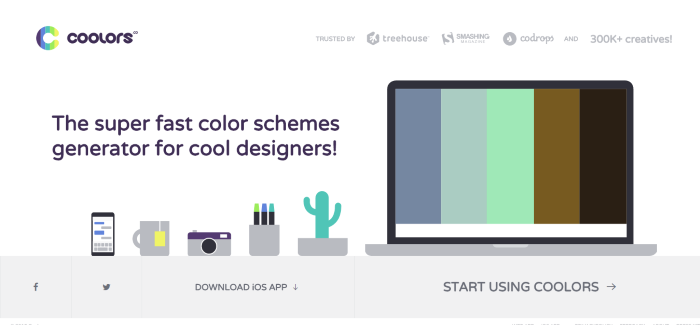
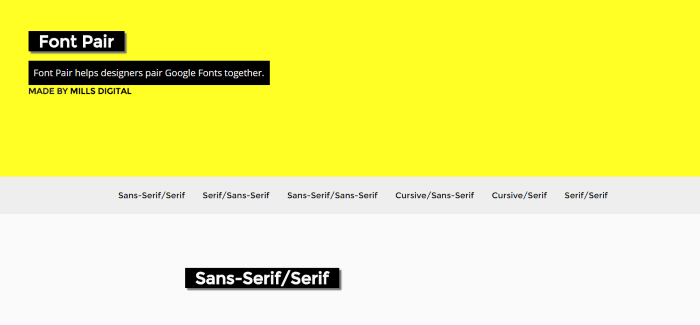
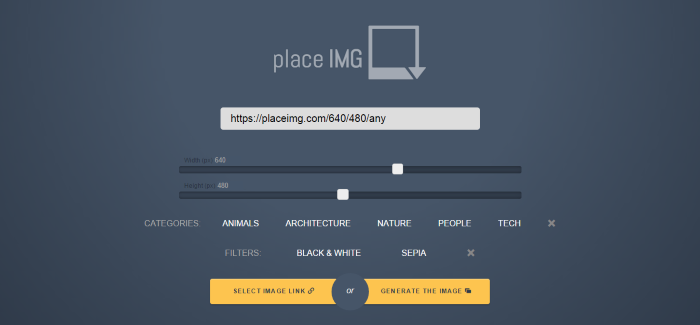
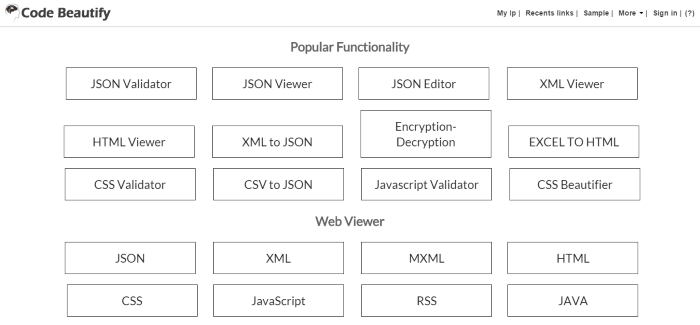
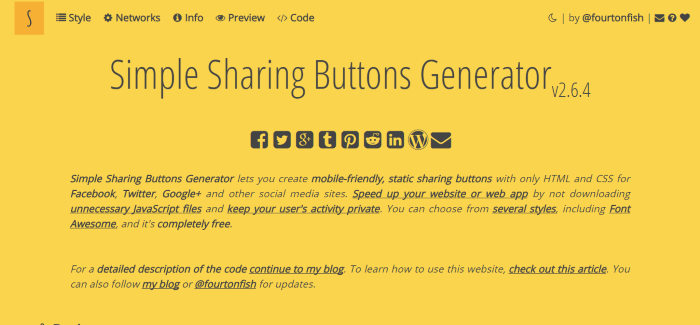
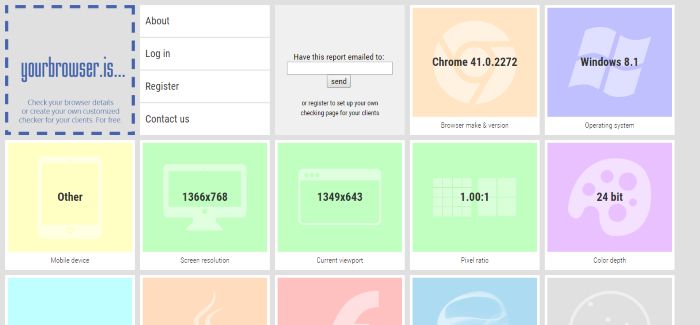
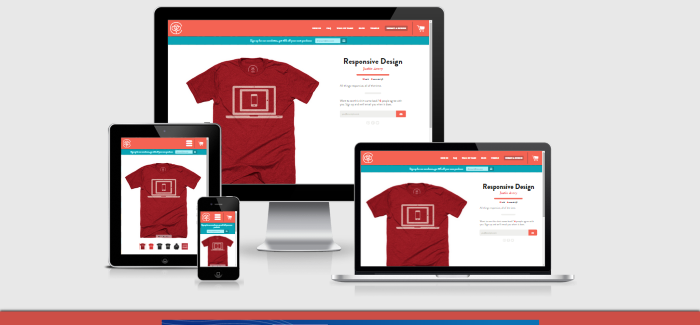
The images below are retained from the previous version of this article for historical context. They show older interfaces and are not recommendations or evidence of current features.
View archived images



Thanks ! I also like http://beautifytools.com for an awesome collection of useful tools.
Greatest list ever , thank you a lot !
Yeah, great collection of tools here. I found a number of them new to me and I now actively use them on a daily basis. Thanks for this.
Thank you for sharing free web development resources. I am here to explore more about web development freebies, stock images and tools to improve development process and encourage developers to write more efficient code.