
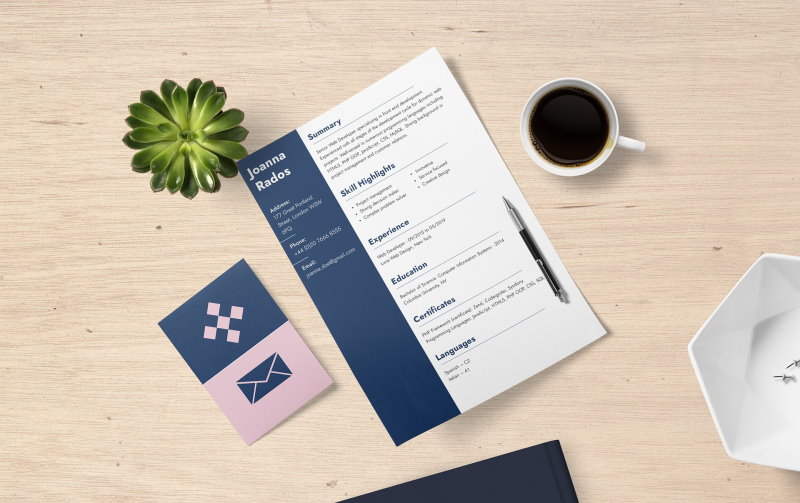
If you are applying for a web design or development role, your resume should make it easy to understand what you can do, how you work, and where to see evidence. You do not need to follow a rigid template or squeeze every career into one page. Prioritize relevant experience, clear writing, and the format requested by the employer.
These web development resume examples can give you ideas for organizing your experience. Use examples for structure, not as claims to copy: every project, result, and number on your resume should be accurate and yours.
1. Sending the same resume to every employer
A generic resume can bury the experience that matters for a particular role. Read the job description and identify its main responsibilities and required skills. Then bring your most relevant projects, work, and technologies forward, using the employer's terminology when it accurately describes your experience.
For example, if a role emphasizes accessible interfaces, describe the accessibility work you actually did and the context in which you did it. Do not add keywords you cannot explain or claim a skill just because it appears in the posting. MIT's Career Advising & Professional Development resume guide recommends using a position description to decide which experiences to include.
2. Listing technologies without showing how you used them
A skills list can help a reader scan your tools, but it does not show what you built or contributed. Give important skills context in your experience and project descriptions. A useful starting point is: what you made or improved, how you contributed, and what changed as a result.
For example: “Built a booking interface with React and TypeScript for a local studio; simplified the form after reviewing it with the owner.” Add a measurement only when you can support it. If you have no reliable metric, explain the scope, constraints, or user need instead of inventing a percentage.
Use plain language around technical terms. Spell out an acronym the first time if a reader may not recognize it, and explain specialized work without removing the accurate names of tools or methods.
3. Leaving out projects, freelance work, or transferable experience
Paid full-time jobs are not the only evidence of relevant skills. Freelance work, volunteer contributions, personal projects, and substantial coursework can show how you solve problems and deliver work. For each, clarify your role, the goal, the tools you used, and what you completed. If you are moving into design or development from another field, connect transferable experience to the role rather than presenting unrelated duties without context.
If you have a long work history, prioritize recent and relevant contributions; there is no universal cutoff that requires everyone to remove experience after a fixed number of years. Keep older roles concise when they add useful context. The Muse's guide to presenting unrelated experience offers further ideas for connecting past work to a new role.
Before sharing client or employer work, check that you have permission to publish it. When a project cannot be shown publicly, describe your contribution without exposing confidential code, data, or designs.
4. Letting visual design get in the way of readability
A web designer's resume can show visual judgment, but decoration should not make essential information difficult to find. Use clear section headings, consistent dates, readable type, and enough contrast. Make your name and contact details easy to locate, and label portfolio, demo, and code links so people know what each one opens.
Follow the application instructions for file type. If you send a PDF, make sure its text can be selected and copied; do not submit a screenshot of a resume unless the employer asks for one. Resume-screening systems differ, so no layout guarantees a particular result. A straightforward structure is easier for people to scan and avoids relying on hidden text, keyword stuffing, or complex visual elements to communicate your qualifications. UC Berkeley Career Engagement's resume guidance also recommends tailoring content to the position and making accomplishments clear.
5. Sending a resume without checking its details
Proofread names, dates, spelling, and verb tenses, then open the final file to make sure the formatting survived export. Test portfolio and project links, check that repositories are public only when intended, and confirm that contact information is current. Ask someone else to review it if possible; a fresh reader may spot a missing word or unclear description.
Keep references ready to share separately if an employer requests them. You generally do not need to list references on the resume or add “references available upon request”; MIT's resume guide recommends leaving them off unless requested. Avoid personal details that are irrelevant to the role, and follow the norms and requirements for the country where you are applying.
A quick pre-send check
- Does the resume address the actual role and use accurate terms from its description?
- Can a reader see what you contributed, not just which tools you know?
- Do your project and portfolio links work, and are you allowed to share the work?
- Is the requested file format readable, with selectable text when appropriate?
- Have you checked every detail and removed unsupported claims?
If you are building a portfolio site, see these professional HTML and CSS resume templates. You can also browse these free resume templates for Word.
Image by Biljana Jovanovic from Pixabay
