
Material Design can be implemented as a CSS theme, a framework-specific component library, or a set of standard web components. Those options are not interchangeable: each has different framework requirements, theming APIs, maintenance risks, and migration costs.
The original 20-item roundup mixed framework-specific packages, projects with outdated documentation, and libraries with different support paths. Rather than rank them by component count, use the options below to find a fit for the framework and support needs of your project.
Current Material Design options
| Option | Good fit when | What to check |
|---|---|---|
| Material UI (MUI) | Your application uses React and you want a broad set of Material components. | It is a React component library, not a framework-agnostic CSS theme. Review its styling and theming approach, the React versions it supports, and the production bundle you actually ship. The MUI repository is MIT-licensed. |
| Angular Material | You build with Angular and want components maintained alongside the Angular ecosystem. | Check the compatibility guide for your Angular version and review how its design tokens fit your theme. The Angular components repository is MIT-licensed. |
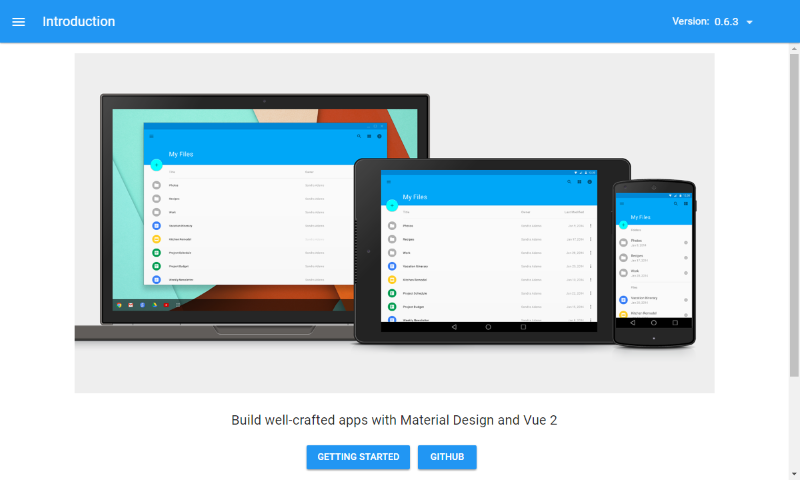
| Vuetify | You use Vue and want an integrated Material Design component system. | Match the Vuetify major version to your Vue version and read the upgrade notes before migrating. Vuetify is MIT-licensed; its official repository publishes the current source and release history. |
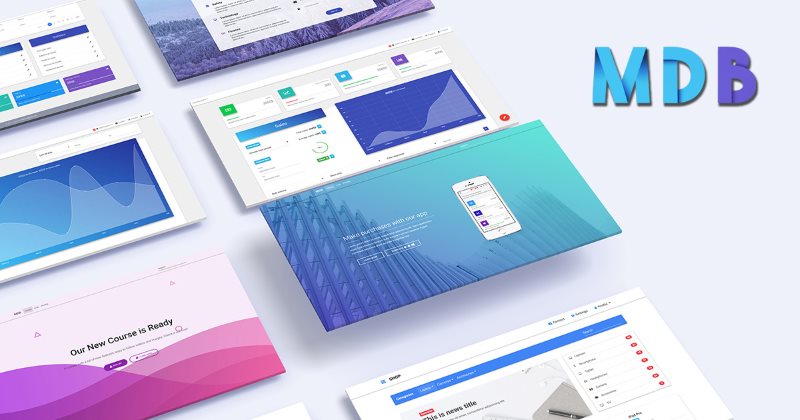
| MDBootstrap | You want Material styling in a Bootstrap-oriented kit or are evaluating one of MDB's other product variants. | Compare the exact package, supported Bootstrap/framework version, included components, and license terms before adopting it. Check the official repository and release history. |
| Material Web | You specifically want Google Material 3 components implemented as web components rather than components tied to React, Angular, or Vue. | The project's README says it is in maintenance mode pending new maintainers. Treat that as a support risk for a new, long-lived product; confirm its browser support and maintenance plans before committing to it. |
MUI, Angular Material, and Vuetify are sensible places to start when your app already uses their respective frameworks. They are not drop-in CSS themes: choosing one adds a component API and conventions to your application. MDBootstrap is a separate option when Bootstrap is already part of your stack. Material Web offers standard custom elements, but its stated maintenance status deserves particular attention.
Choosing a library for a small project
Before adding a UI library, check these practical constraints:
- Start with your existing framework. A component library that matches your app usually needs less glue code than bringing in a second framework. For a mostly static site, a smaller CSS layer may be enough.
- Check support and upgrade paths. Confirm compatible framework versions, recent releases, issue activity, and migration notes in the project's official documentation or repository. A working demo is not evidence that a dependency is maintained.
- Review accessibility in your implementation. Components can provide useful defaults, but they cannot make every assembled page accessible automatically. Check keyboard operation, visible focus, labels, contrast, zoom, and screen-reader behavior for the controls you use.
- Measure your own production build. Import only what you need, and measure the built application rather than relying on a vendor's component count or a generic bundle-size claim. Check whether you also need separate icon, font, or animation packages.
- Check theme and license boundaries. Test one real page against your brand, verify what can be themed without replacing component internals, and read the license for the exact package and any paid add-ons.
- Try a small migration first. Prototype a form, navigation element, and dialog before replacing an existing design system. This exposes CSS conflicts and framework lock-in while the change is still easy to reverse.
Material Design is a visual system, not a guarantee of accessibility, performance, or a good fit for every product. Keep native HTML semantics and test the finished interface with real content and interactions.
CSS-first and older projects
Materialize is a CSS-first framework based on Material Design, and its source remains available on GitHub. Its latest tagged release is old, so treat its release history as a maintenance and compatibility risk rather than assuming that a live documentation site means the project is current.
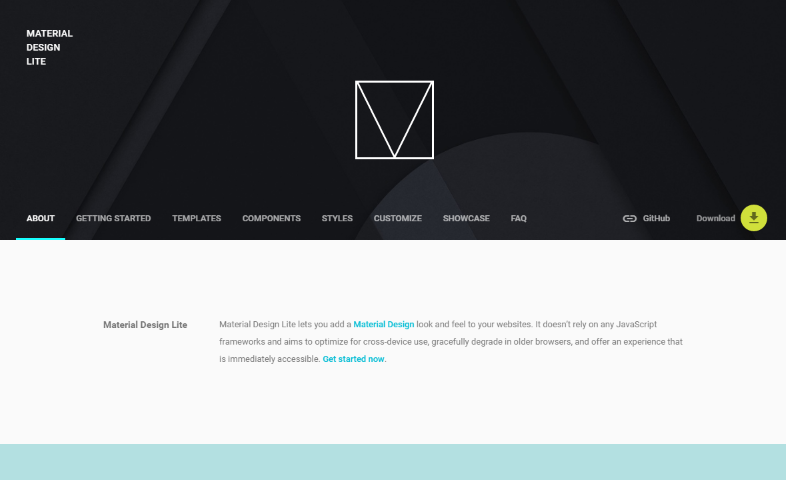
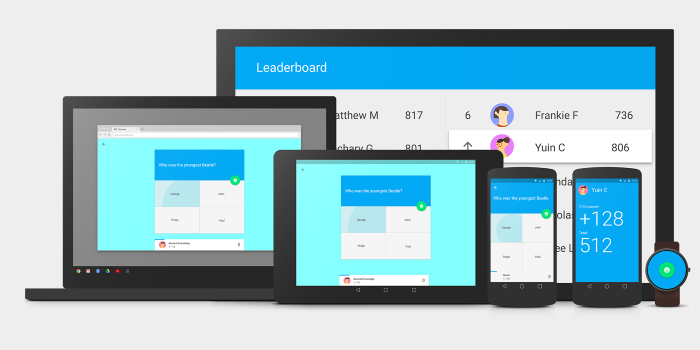
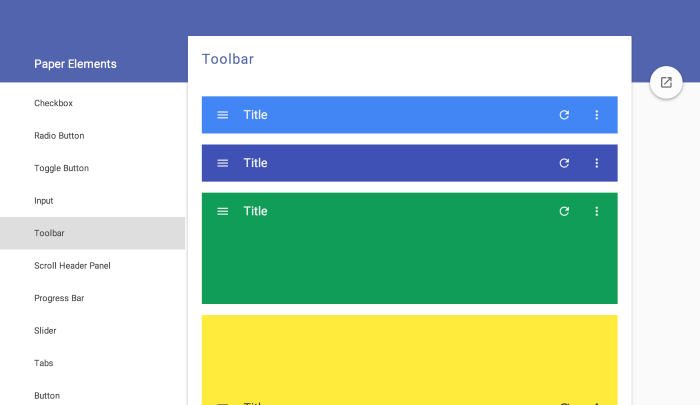
Some of the original article's other entries are also historical references, not current recommendations. The Material Components for the Web repository is archived, and the old Material Design Lite pages and Polymer 0.5 demos do not describe today's supported options. Google's current Material Design 3 guidance and the project-specific documentation above are better starting points. The original MDL source remains available in the Google repository.
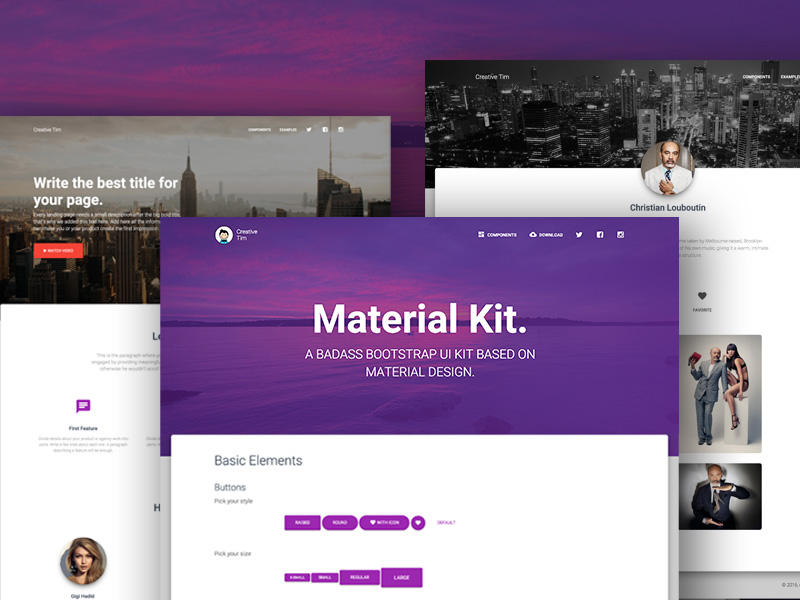
If you are choosing a template or assets rather than a component library, see Material Design HTML templates, admin templates, WordPress themes, and the Material Portfolio template. Creative Tim's Material Kit and Material Kit PRO are template-kit products, so check their current framework support and terms separately from a component library. You can also browse Creative Tim.
For more design-system context, read about Apple, Google, and Microsoft's design languages, browse free Material Design backgrounds, or find free Material Design icons.
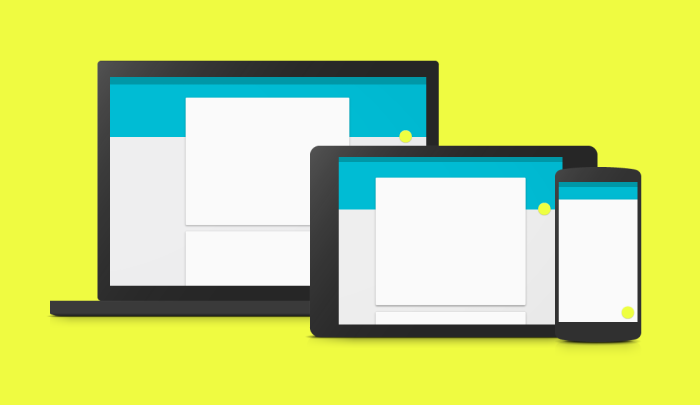
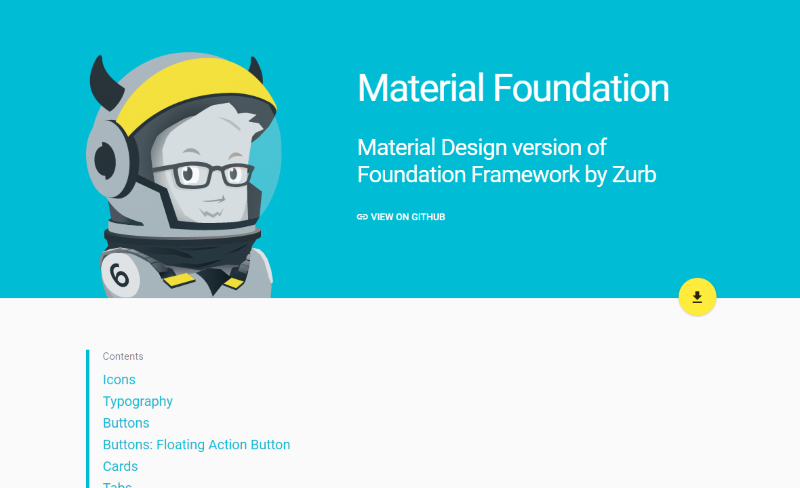
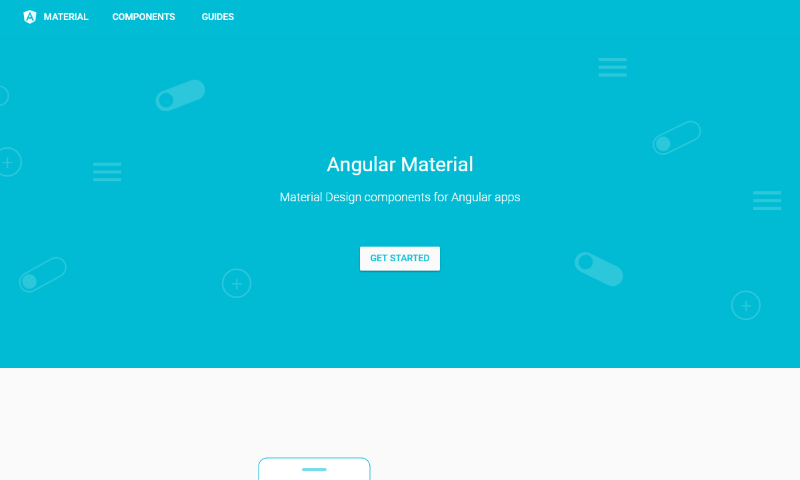
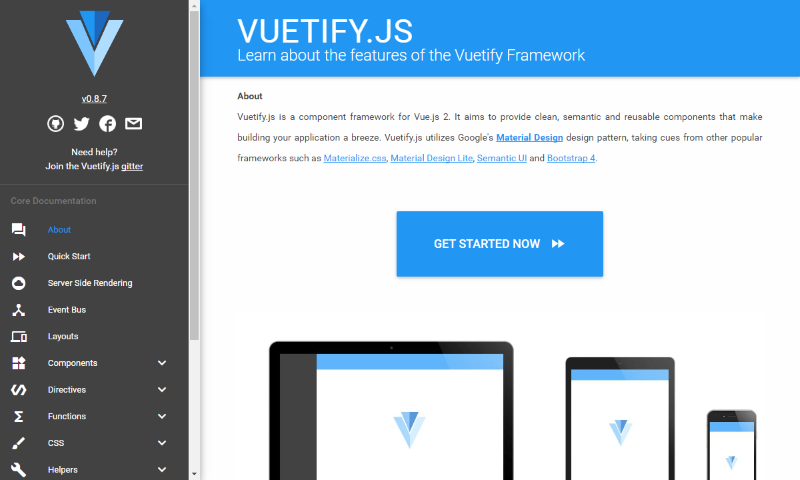
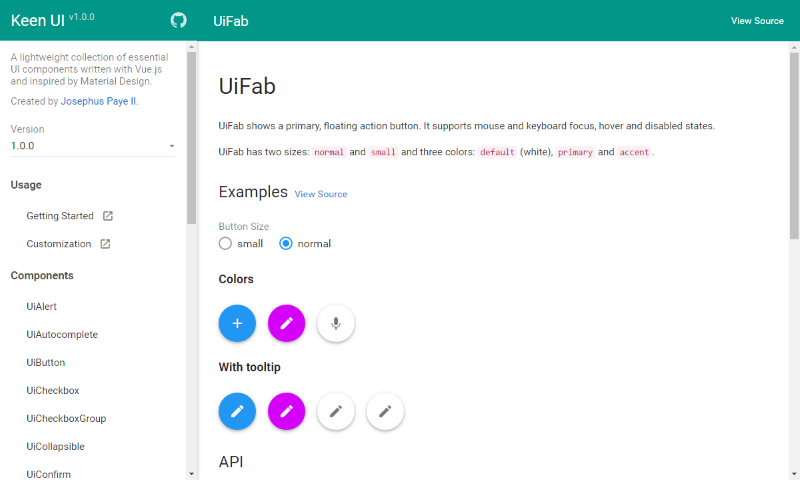
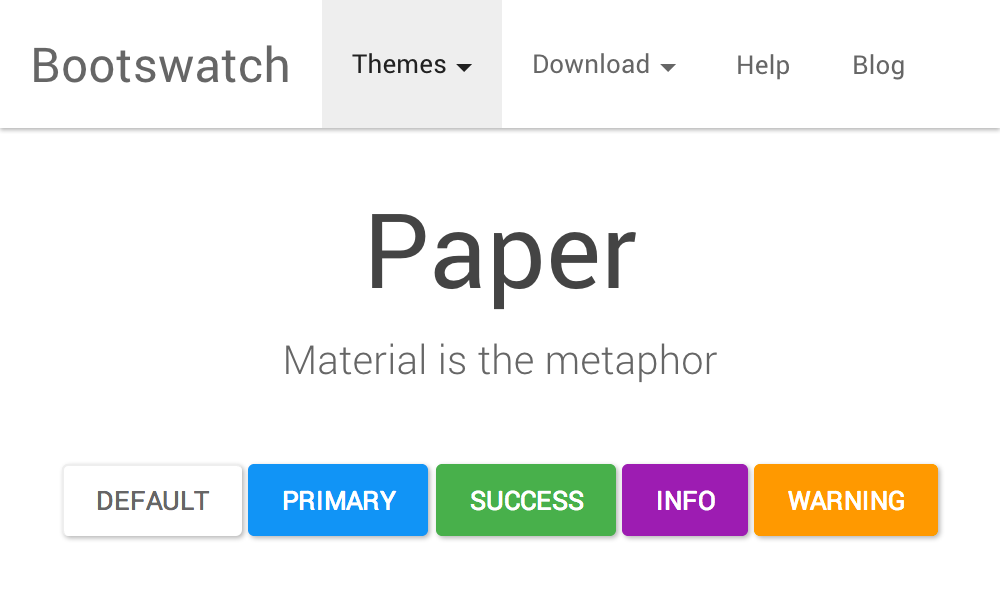
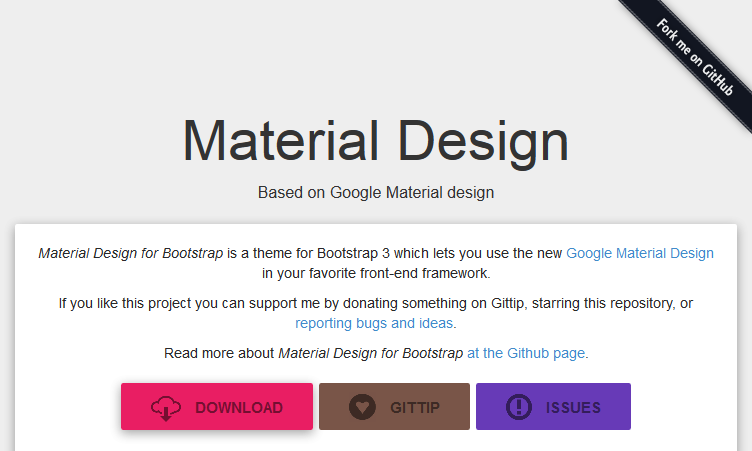
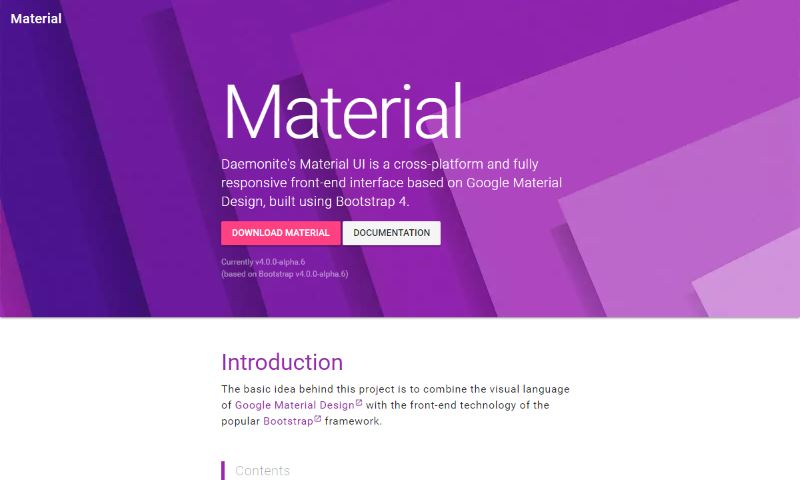
Historical screenshots retained from the original article
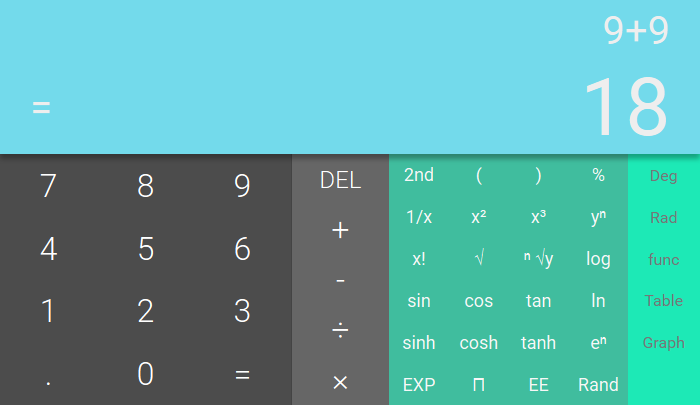
These images are preserved for reference only. They show the original article's older projects and demos, not current releases or a comparison of today's interfaces.

Great list! Will try some of them on my own site. Thanks for the tip!
material design is new and nice trend . thanks for this article.
Hi! Great article! I’m a developer on a mobile UI framework called Onsen UI. We recently released Material Design components that can be used in both Angular and React: https://onsen.io/v2/
Hi Argelius,
Onsen UI looks good and we would be glad to write more about it. You can get in touch with us using our Contact page.
Thanks,
Kanishk
Wow that’s super cool bro! •O•
Enlighten info on Material design,
I’m a novice in web design,just starting out with HTML & CSS.I have a question if you dont mind.Can material design be used separately for webdesign or it has to be used with some server language like Python and Material design itself used in frontend development?
Hi Bolaji,
Material design is a design concept that can be applied to any front-end design. You don’t need to depend on any server language for it. In fact all the framework listed above are for front end development and can be used together with any server language.
Thanks for this article.
For those whose more familiar with bootstrap and want to implement MD without using another framework,
I would recommend mdbootstrap.com instead of FezVrasta’s “Material design theme for Bootstrap 3” .. because it’s richer and well documented. my personal perspective.
Thanks again for the effort!
Hi,
Thank you for the awesome list! I would like to recommend you this new Bootstrap UI Kit based on Material Design: https://www.creative-tim.com/product/material-kit/?affiliate_id=96916
I wonder how could you missed Material Design for Bootstrap (https://superdevresources.com/go/mdbootstrap/) ? :)
IMHO currently this ist the most comprehensive framework.
This looks great.
Thank’s a Lot for this article, recently i’m using Bootstrap for my site. But migration always make me headache, i was helpfull and take some inspiration from your article..
I like that review. Planned to make a new site using Material Design and that article will help to choose one framework.
You are also missing http://react-toolbox.com/#/, which is very cool :)
http://www.smaterial.dsuper.nl is my own framework, it’s still in development but already usable. It has some extensive minify tricks that should make it easier to use in development and make it better for your users.