The right JavaScript library can save time, but a package is also another dependency to update, test, and ship. This guide focuses on maintained options for common web-app tasks rather than treating a long list as a ranking. These projects were checked against their official documentation and repositories in November 2026; verify current compatibility and the license before adding one to a project.
If you are still exploring, start with these free web development resources, then choose a library only when the browser platform or your existing framework does not already solve the problem well.
Free JavaScript libraries by task
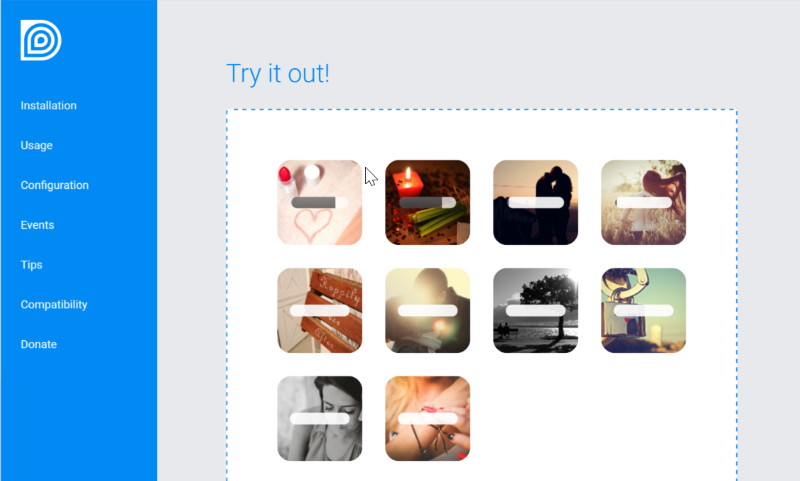
File uploads: Uppy
Uppy is a modular uploader with browser and framework integrations. Start with only the upload flow you need, then add a dashboard or remote sources if the product calls for them. Its repository is the place to review releases, requirements, and licensing. A browser uploader is only the client side: enforce authorization, file-size limits, content checks, and storage rules on the server too.
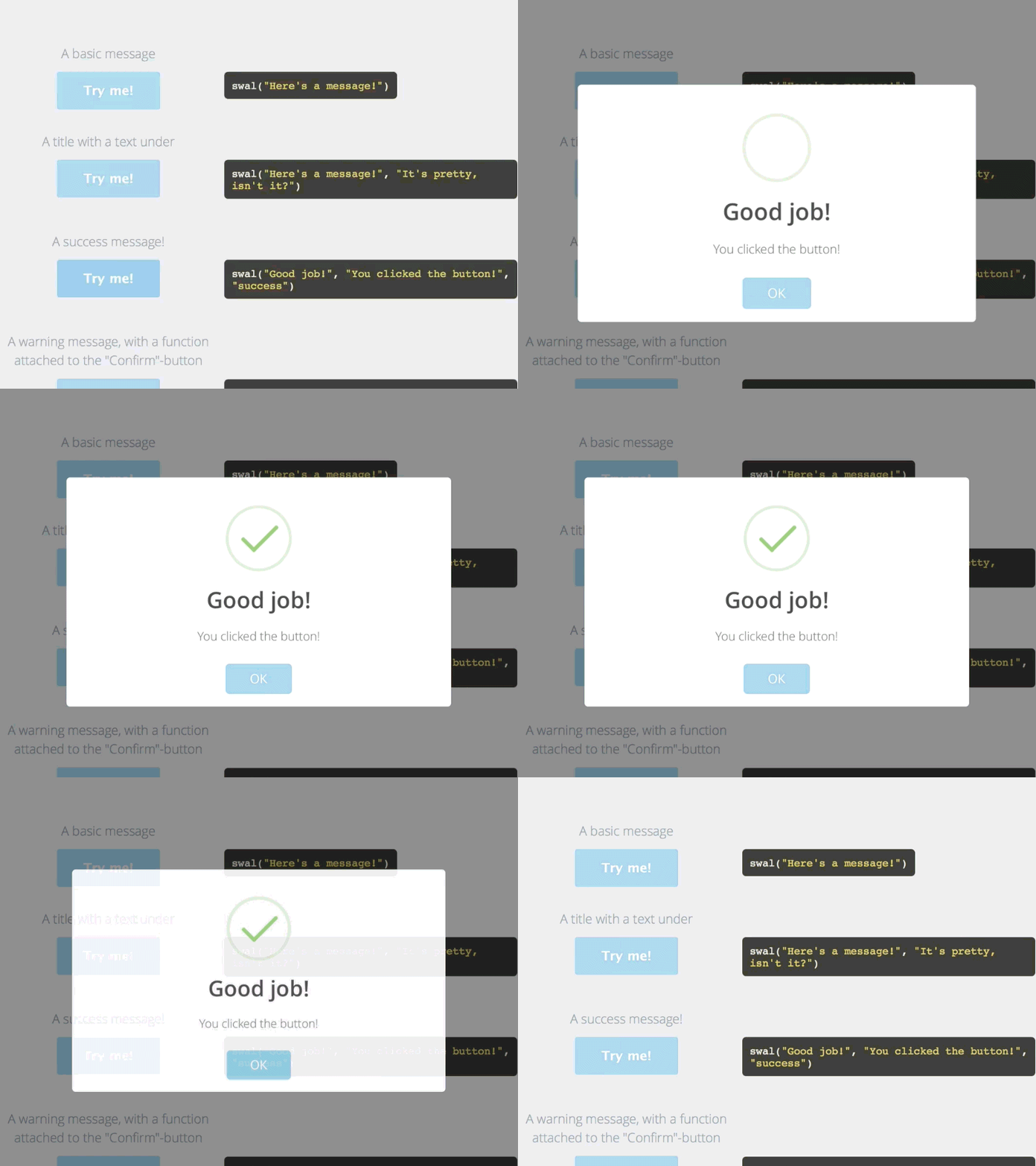
Dialogs and alerts: SweetAlert2
SweetAlert2 provides customizable popup dialogs and documents accessibility support. Use it for a focused confirmation or notification, not as a substitute for clear inline form errors or a full page flow. Review its repository and test keyboard focus, escape behavior, and screen-reader output in your own interface.
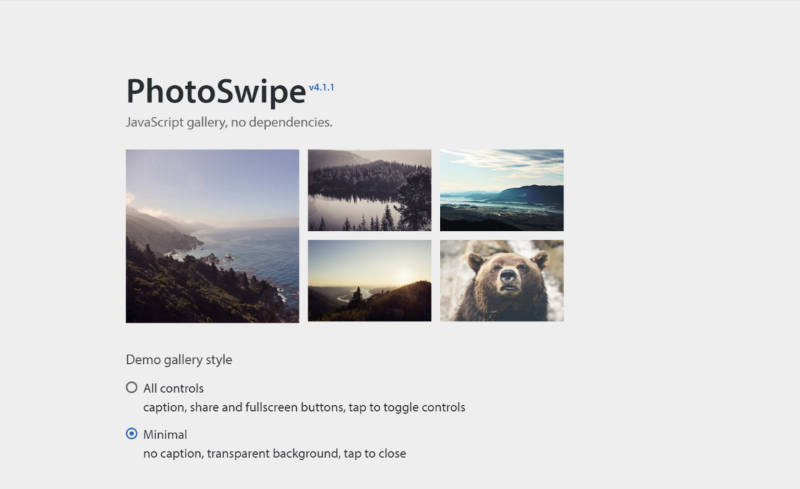
Image galleries: PhotoSwipe
PhotoSwipe is an image-gallery lightbox with responsive-image support and touch interactions. It is a good fit when visitors need to inspect a group of images, but keep the images as ordinary links so the content remains usable if the script fails. Check the current setup guide and repository before integrating; examples for older major versions may not match the current API.
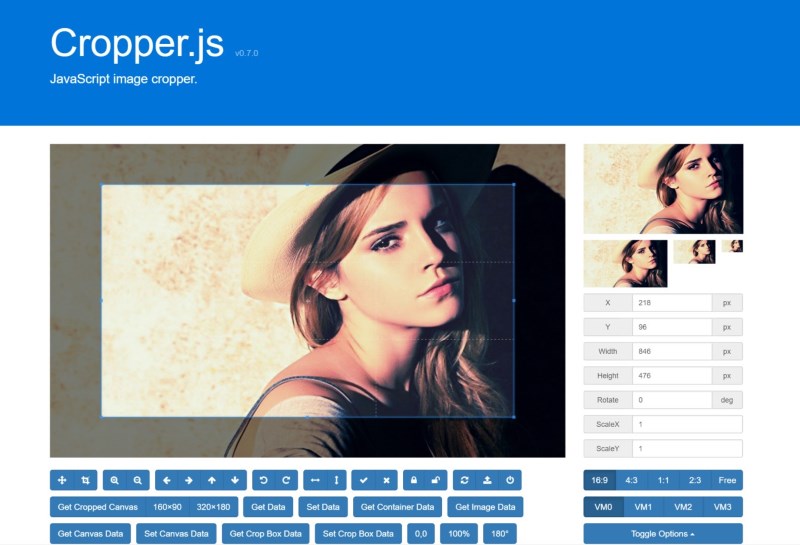
Image cropping: Cropper.js
Cropper.js provides an interactive cropper for browser-based image tools. Its current major version has a different API from older examples, so follow the current documentation rather than pasting a snippet written for version 1. We used it in our online picture editors guide, which points readers to a currently available cropper.
Charts: Chart.js
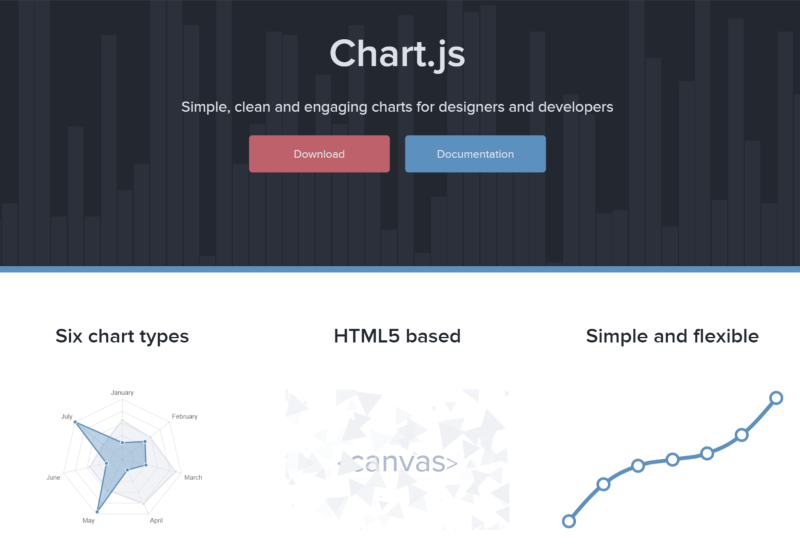
Chart.js covers common chart types and renders to canvas, with plugins available for additional behavior. It is a practical starting point for dashboards that need conventional charts without building a rendering system. See the project repository for current releases and licensing. Because canvas content is not automatically understandable to everyone, include a concise text summary or an accessible data table alongside an important chart.
Code highlighting: highlight.js
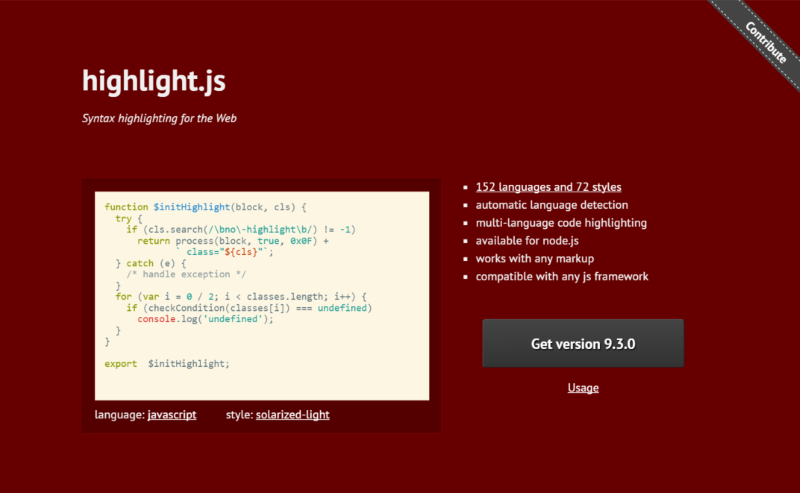
highlight.js highlights code blocks in the browser or on a server and supports importing only the languages a page needs. That lets a small documentation site avoid loading every language by default. Check the project repository for bundle and license details, and keep the code itself readable when styling is unavailable.
Date utilities: date-fns
date-fns offers individual date functions for JavaScript projects, so you can import the operations you use instead of relying on a large all-in-one utility. Date-only values, local time, and time-zone conversions are different problems; decide which one your data represents before formatting it. The repository documents supported versions and current project details.
Runtime data validation: Zod
Zod lets TypeScript developers describe data schemas and validate values at runtime. It is useful at boundaries such as form input or an API response, where compile-time types alone cannot verify incoming data. Zod is TypeScript-first, so compare its approach and bundle impact with the needs of a plain JavaScript app; review its repository before choosing a version.
Data tables: TanStack Table
TanStack Table is a headless table engine: it manages table state and row models, while your app supplies the markup and styles. That flexibility suits a custom data grid, but means you remain responsible for semantic table structure, keyboard interaction, and responsive presentation. Check its repository for framework support and current requirements.
Motion: Motion
Motion provides animation APIs for JavaScript and popular UI frameworks. Use it when an interaction needs coordinated or gesture-driven animation; simple state changes are often better handled with CSS. The documentation includes framework-specific paths, so select the one that matches your app. Keep motion brief, and respect the user's reduced-motion preference.
When a browser feature is enough
A library is not automatically better than a built-in feature. For a small app, these may be all you need:
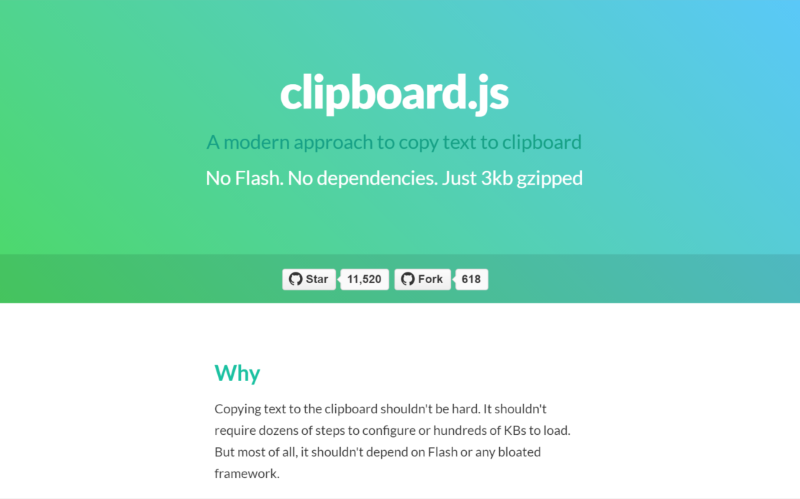
- Use the Clipboard API for a copy button, initiated by the user's action and with a clear failure message.
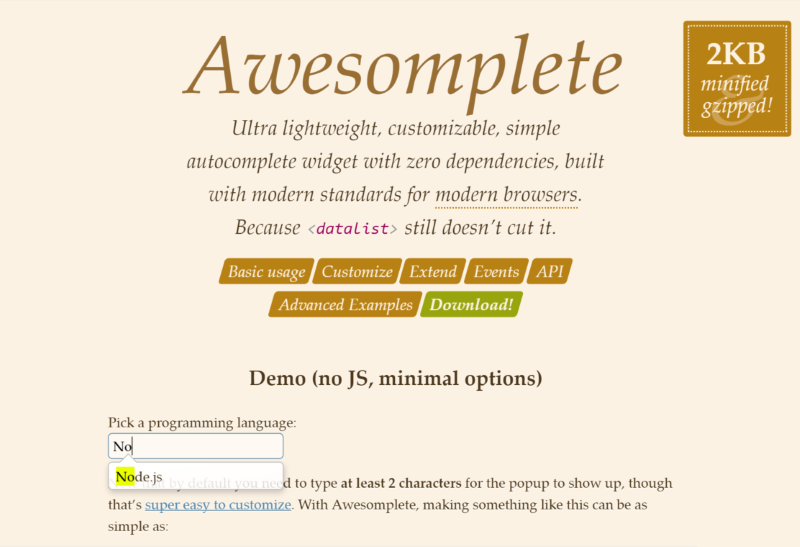
- Use an HTML datalist element for basic suggestions. A richer autocomplete needs an accessible combobox pattern and careful keyboard testing.
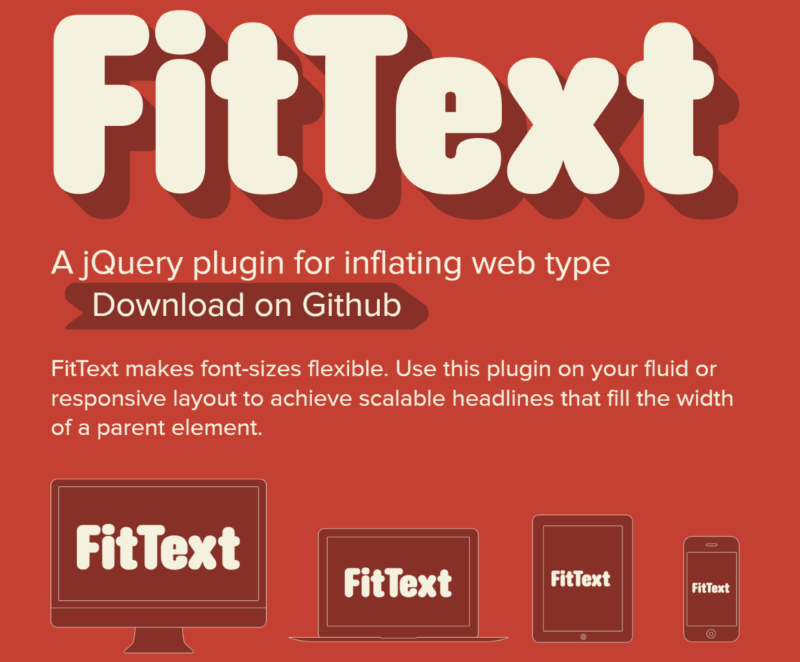
- Use the CSS clamp() function for fluid type sizes instead of a text-sizing plugin.
- Use CSS transitions for simple effects, and honor the prefers-reduced-motion media feature when animation is not essential.
For any dependency, check the project activity, supported browsers and frameworks, release notes, and license. Test the behavior that matters to your users, then pin and update the package through your normal dependency workflow.
Original screenshots from the 2016 edition (historical examples, not current recommendations)
The following images are retained from the original article. They show older versions of the featured tools and should not be used to infer current APIs, maintenance status, or compatibility.