
Vue.js can power a mobile-friendly website, a hybrid app that packages web code in a native shell, or an app rendered with native platform controls. Those are different approaches: a Vue component library supplies interface elements, while a runtime such as Capacitor connects a web app to iOS and Android projects.
For a hybrid app, your Vue interface still runs as web content inside a platform WebView. Capacitor can expose selected native APIs through plugins, but it does not turn web components into native widgets. For a native-rendered interface, NativeScript-Vue uses a different renderer and development workflow.
A responsive UI kit can help a mobile web app; see these Material Design web frameworks for related options. A component library does not handle native builds, permissions, signing, or store submission. If you need Android or iOS capabilities, choose and maintain the app runtime as well as the UI layer. Do not assume that a familiar component library will behave like native controls.
For most small teams, start by comparing Ionic Vue and Quasar for hybrid apps, then consider Framework7 Vue for a mobile-first component set or NativeScript-Vue when native-rendered controls are a requirement. A responsive web app or PWA may be enough if you do not need app-store distribution or native APIs. If you are new to Vue, these Vue.js courses can help; for a web-based admin interface, see these Vue.js dashboard templates.
Choose a Vue mobile app approach
The options below do different jobs, so compare the runtime, platform API needs, and maintenance burden before choosing a UI kit.
| Option | What it provides | A good fit when |
|---|---|---|
| Ionic Vue with Capacitor | Vue web UI components packaged in a hybrid app | You want one web-oriented interface for iOS, Android, and web, with native APIs added through plugins. |
| Quasar | A Vue application framework with web and mobile build targets | You want a shared Vue codebase for a web app and a packaged mobile app, and can maintain platform projects when needed. |
| Framework7 Vue | Mobile-focused web UI components for Vue | You want a mobile-first interface and will verify its current native packaging and plugin workflow. |
| NativeScript-Vue | A Vue renderer for NativeScript native views | You need native platform controls and accept a distinct plugin, build, and debugging workflow. |
These are starting points, not a quality ranking. Vue web component libraries such as Vuetify and Element Plus can make a responsive web app, but they are not mobile app runtimes. The remaining libraries from the earlier version are identified as web-focused, Vue 2-era, or historical where appropriate; verify current releases and compatibility before adopting them.
Vue UI frameworks and libraries
Vuetify.js
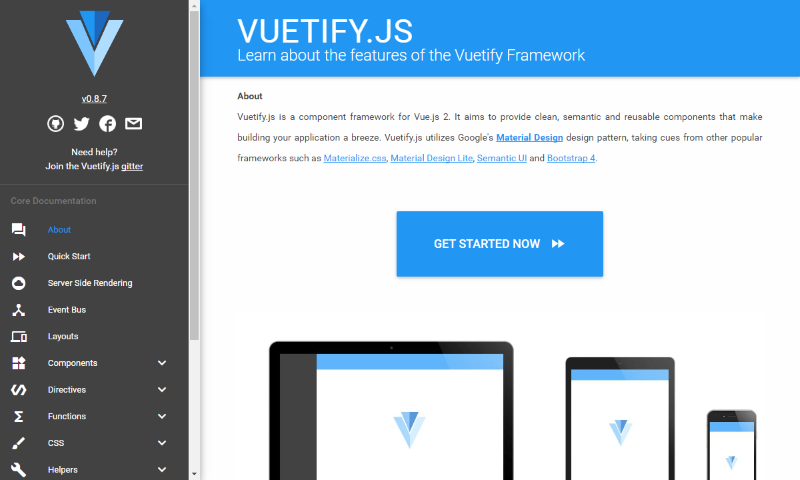
Vuetify is a Vue component framework with a Material Design system. The current project targets Vue 3; use it to build a responsive web interface, not as a native app runtime. If you later package that web app with Capacitor, its UI remains web content inside a WebView.
Its component set is useful when you want a consistent Material-style web UI. Check the current documentation and repository for supported versions before adding it to an existing Vue project.
Quasar Framework
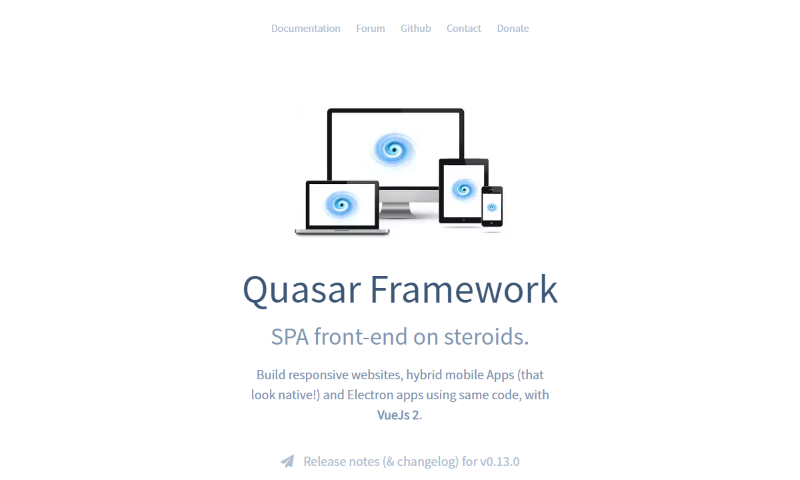
Quasar is a Vue framework for building web applications and mobile or desktop targets from a shared project. For a mobile build, follow its current Capacitor guide; Quasar’s own comparison of project flavours explains the available targets. It is open source, with the source on GitHub.
Quasar includes Vue UI components and tooling, but a mobile target still needs platform-specific build and release work. Read the current documentation for the selected target rather than relying on older Cordova examples.
Quasar also supports desktop builds with Electron. Choose it when maintaining web, mobile, and possibly desktop targets in one Vue project is more valuable than keeping each platform’s UI fully separate.
Ionic Vue
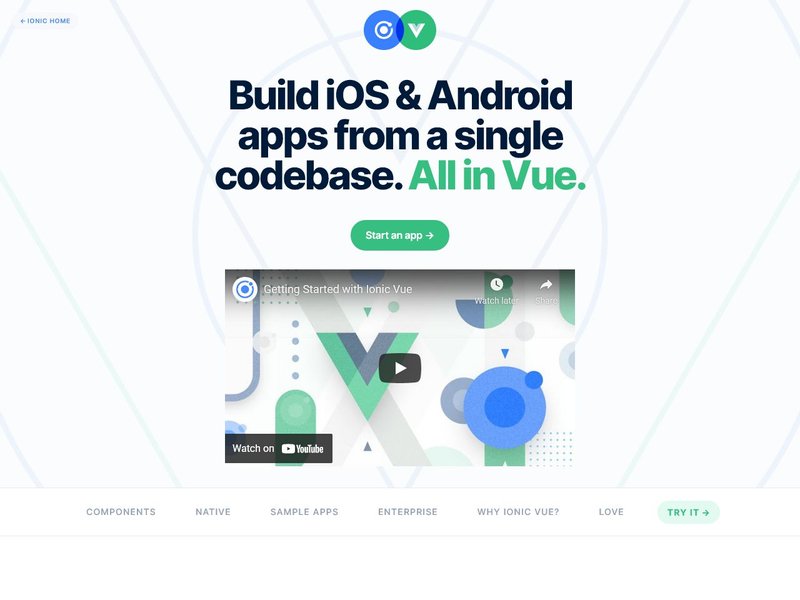
Ionic Vue combines Ionic’s mobile-oriented web components with Vue integration. With Capacitor, you can package the web app for iOS and Android and use supported native plugins; the interface itself is rendered as web content, not a set of native platform widgets. Check the Ionic Vue overview and current Vue documentation for setup and supported versions.
Use Ionic when a shared web UI and a plugin-based route to native APIs fit the product. Test keyboard behavior, focus, text scaling, and screen-reader navigation on actual target devices; the framework does not make every app automatically accessible.
Onsen UI for Vue
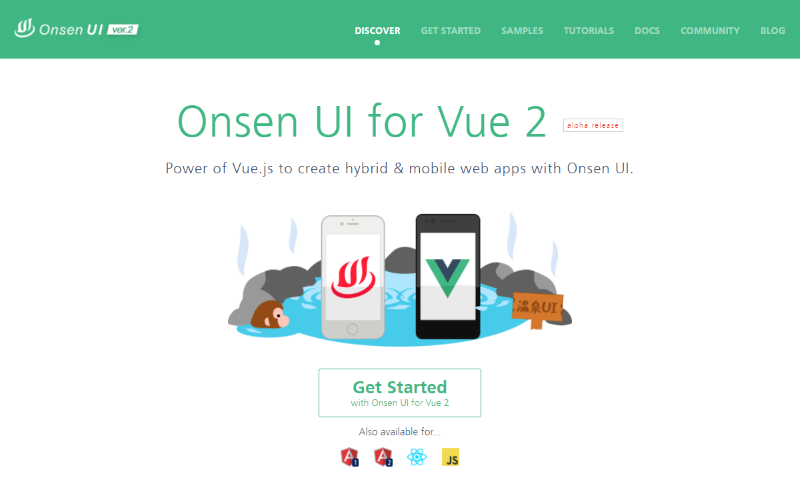
Onsen UI provides web components for mobile web and hybrid interfaces. Its current guide includes Vue 2 and Vue 3 integrations, so check the version-specific documentation and release activity before choosing it for a new app.
The Onsen samples show the component patterns. As with other WebView-based choices, validate the native bridge, accessibility, and platform-specific behavior needed by your app instead of treating the UI library as a complete release toolchain.
Framework7
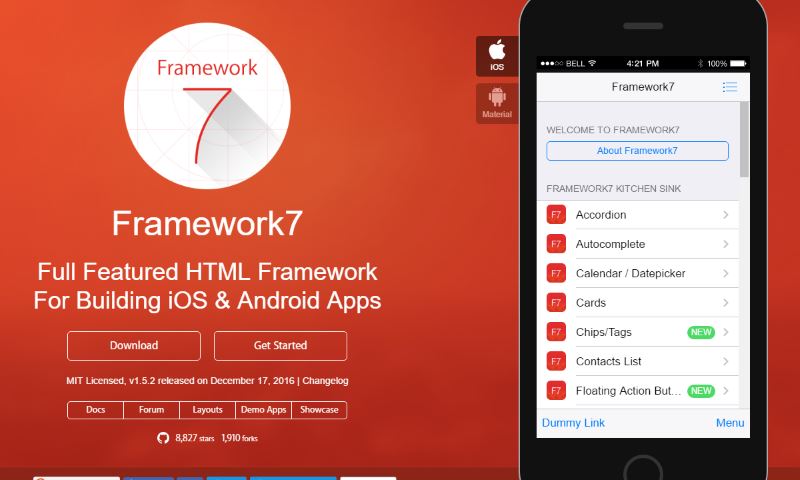
Framework7 is an open-source, mobile-first UI framework with a Vue integration. It offers platform-styled components for web interfaces; choose and verify the packaging runtime and plugins separately when you need an installable iOS or Android app. The source is available on GitHub.
Use it when its navigation and mobile interaction patterns suit the product and the team is comfortable following Framework7’s current Vue setup. Its visual conventions are not a substitute for checking device behavior, keyboard support, and assistive-technology access.
See the current Framework7 showcase for examples, then verify the exact release and integration path in the documentation before starting a project.
Keen UI
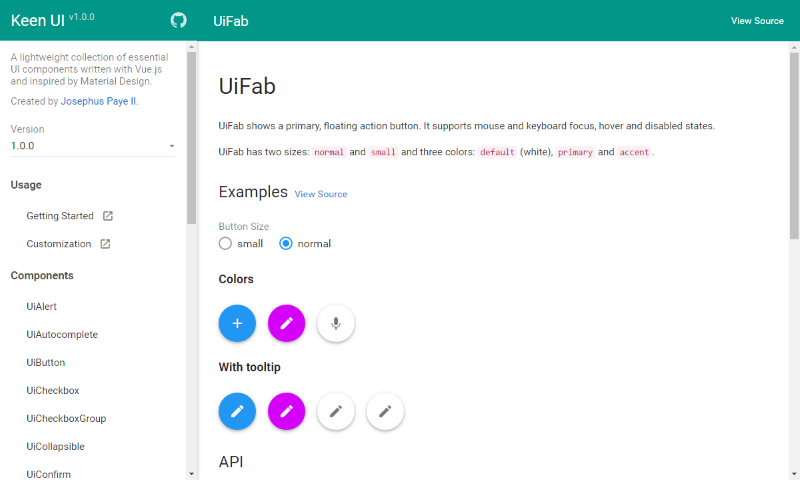
Keen UI is a Vue component library inspired by Material Design, not a mobile build runtime. Its repository documents Vue 3 support; check its recent releases and the individual components you need before selecting it for a maintained product. See the project repository.
MDB Vue
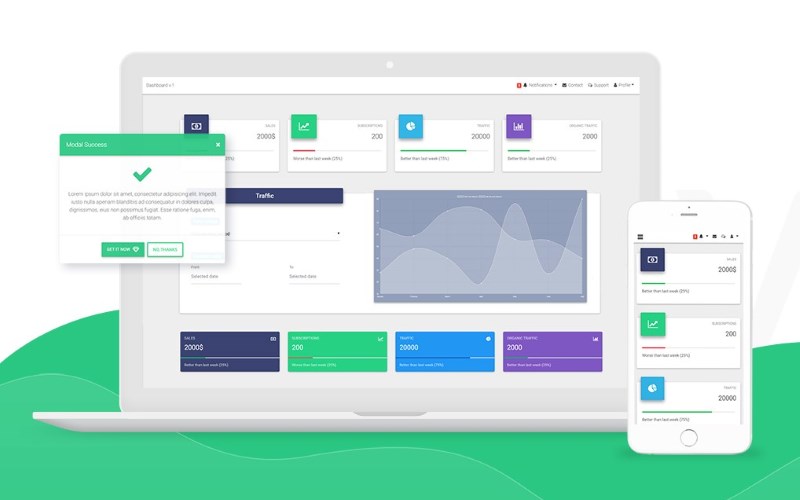
MDB Vue is a component kit for Vue web interfaces. It can help with responsive layouts, but it does not create native mobile projects or provide native APIs by itself. Check the current vendor documentation and terms for the components you plan to use.
The original link to the paid MDB Vue UI kit is retained. Review current feature availability and licensing before making a project decision.
Mint UI
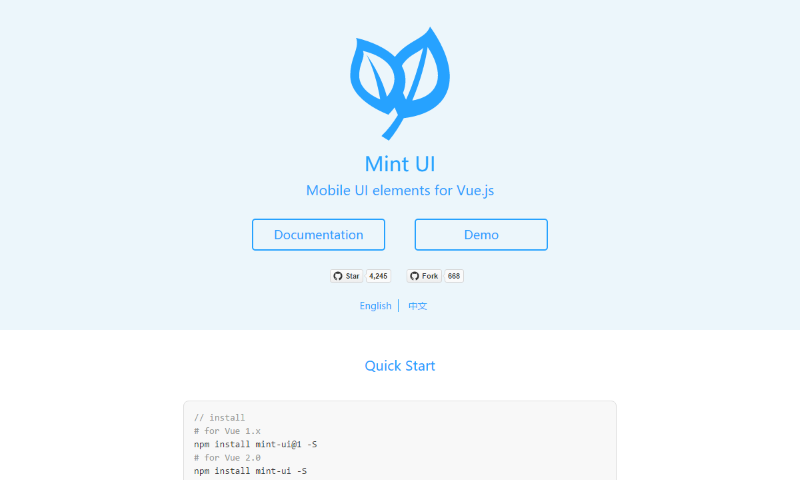
Mint UI is an older mobile component library built for Vue 2. Its main repository was last pushed in 2022, so do not assume Vue 3 compatibility or current security and accessibility maintenance. Check the repository before considering it for an existing application.
BootstrapVue and BootstrapVueNext
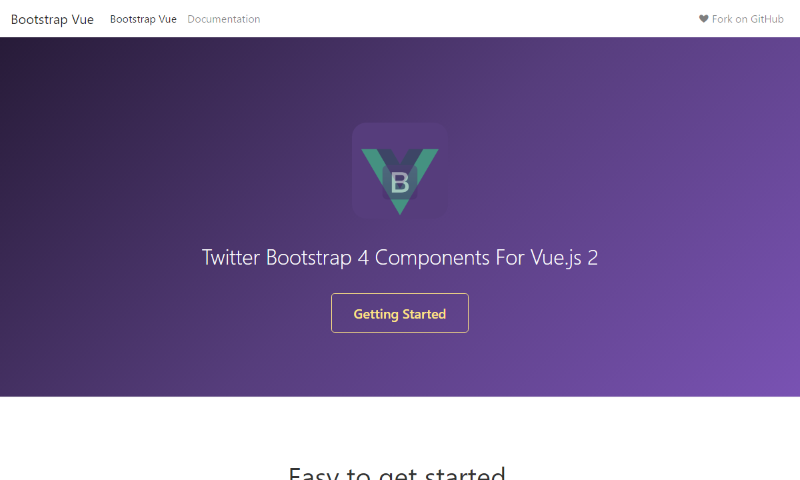
The original BootstrapVue project targets Vue 2 and Bootstrap 4. Its successor, BootstrapVueNext, targets Vue 3 and Bootstrap 5 for responsive web interfaces. Neither is a native app runtime; choose them for a web UI and handle packaging separately if required.
Vue Material
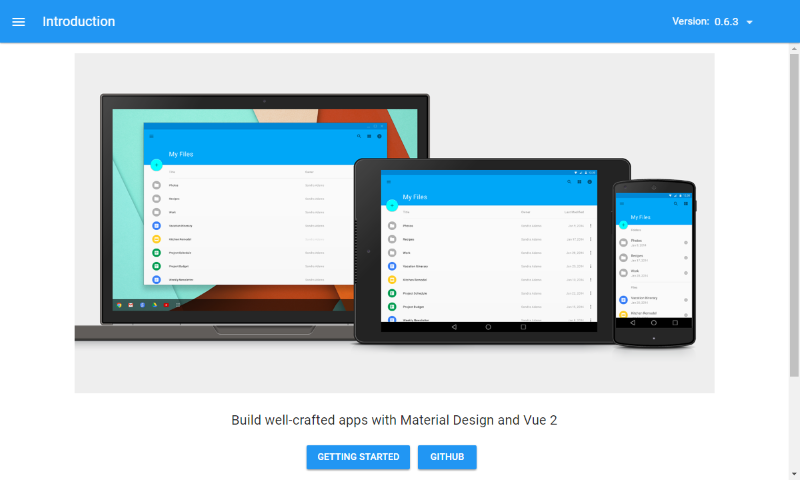
Vue Material is a historical Material-style Vue library, not a mobile runtime. Its repository’s last source update was in 2016, so treat it as an existing-project reference rather than a default for a new Vue application. The old comparison to AngularJS Material is omitted because that project is not a current Vue option.
Cube UI
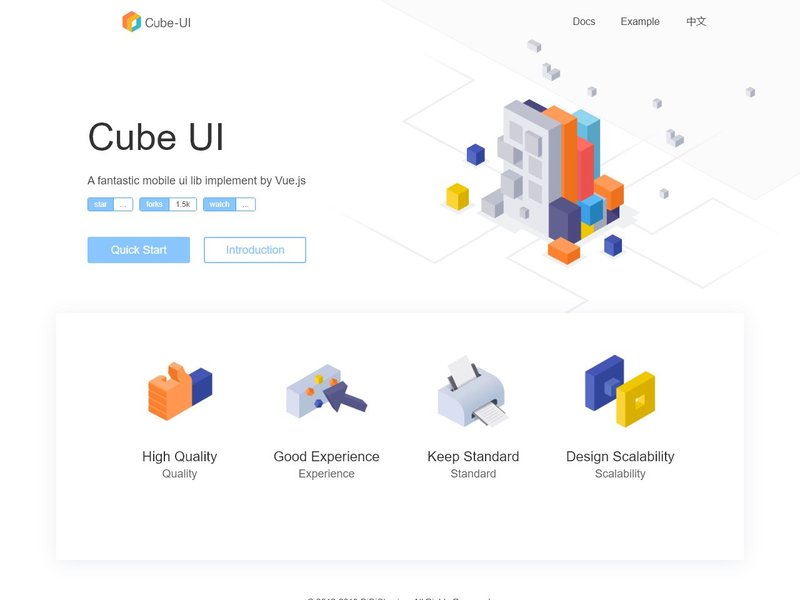
Cube UI is a mobile component library from the Vue 2 era. Before using it, confirm the exact Vue version, dependency health, keyboard behavior, and screen-reader support for the components your app needs in the project repository.
Vue-Blu
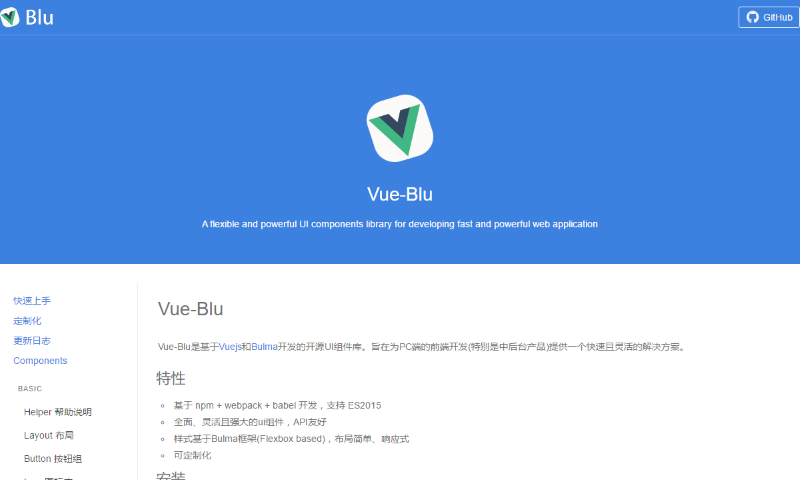
Vue-Blu is a Vue 2.x component library built around Bulma. The maintainer’s repository notes limited time for maintenance, so check current dependency and security status before using it in a new app.
Weex (historical native-rendering option)
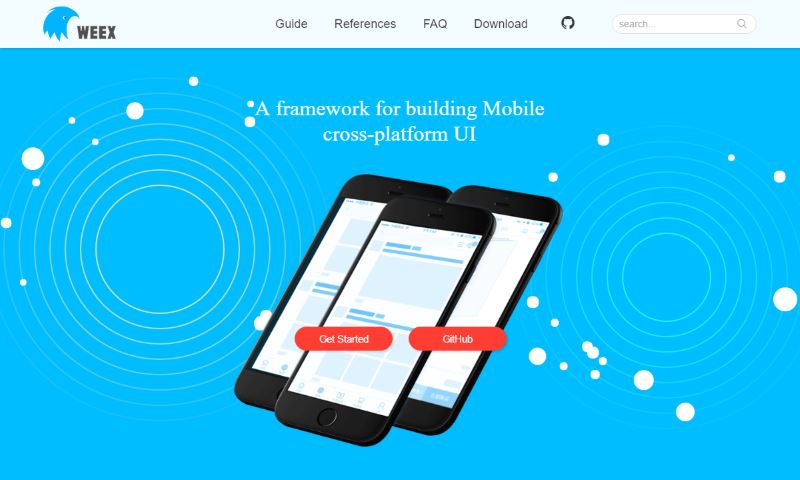
Weex was a cross-platform mobile UI project that used web technologies and Vue-oriented development. It has a different renderer and native integration model from a WebView app; verify current supported releases, platform toolchains, and Vue compatibility before considering it. For a currently documented React-based native alternative, see React Native.
The project history and code remain available through the Weex repository and the Apache project page. Do not infer active support or modern platform compatibility from those historical examples alone.
NativeScript-Vue
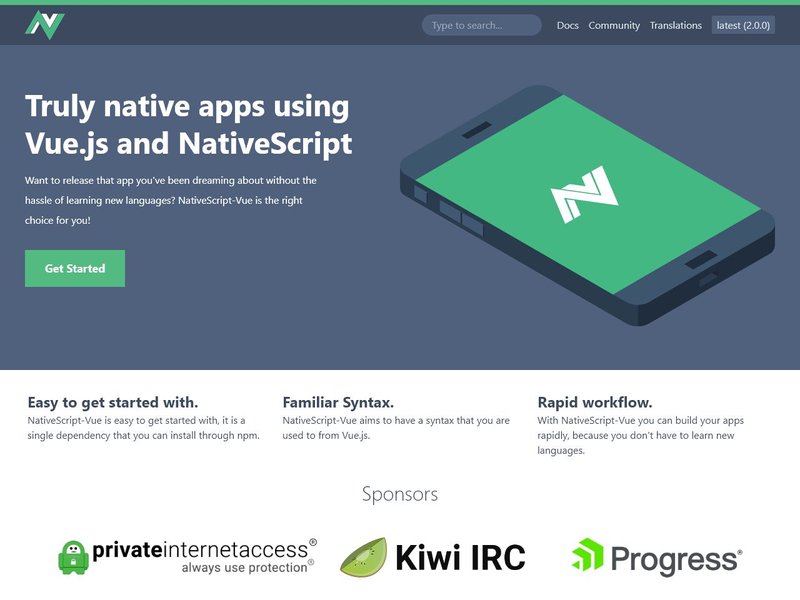
NativeScript-Vue is a custom Vue renderer for NativeScript views. Its current NativeScript documentation and Vue guide describe Vue 3 support and access to native platform APIs without rendering the interface in a WebView. This is the most distinct option in this guide: budget for a separate component, plugin, debugging, and native build workflow, and verify that required plugins support your target iOS and Android versions. The NativeScript project site links to its wider ecosystem.
Vue Native (deprecated)
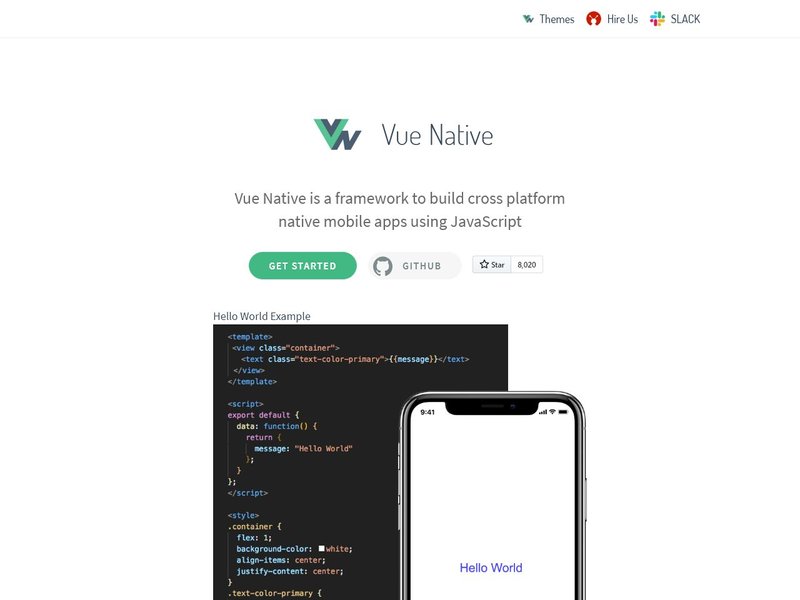
The Vue Native repository says the project is deprecated and no longer maintained. Do not start a new production app with it; keep this link only for readers maintaining an existing project or tracing the older Vue-to-React-Native approach.
Responsive Vue UI libraries for web apps
Element Plus
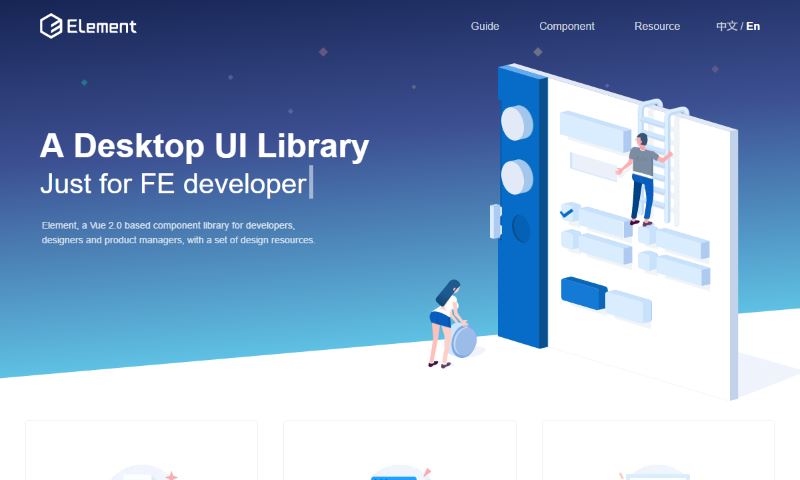
Element Plus is a Vue 3 component library for web interfaces; it does not provide native mobile rendering. The image above is retained from the original Element UI entry and is not a current Element Plus screenshot. The older Element UI documentation remains a separate Vue 2-era reference. For a desktop package, you would still choose a separate runtime such as Electron.
Decide between a hybrid app and native rendering
A hybrid app keeps a web-oriented Vue UI and uses a native shell for installation and selected device APIs. It is often the smaller step for a web team, but WebView behavior, plugin availability, permissions, and platform-specific review still matter. NativeScript-Vue renders native views instead, which may suit a native UI requirement but brings a different ecosystem and learning curve. This native, hybrid, and web app comparison can help clarify the trade-offs.
Before committing, check the framework’s current Vue version support, release history, license, open issues, plugin maintenance, and documented iOS and Android build path. For a web-first product, compare the cost of maintaining a responsive site or PWA with the added work of store distribution; an app wrapper is not automatically a better user experience.
Accessibility and release checks
A component library cannot guarantee an accessible app. Follow the relevant WCAG 2.2 guidance: preserve text resizing and zoom, provide labels and meaningful names, manage focus in dialogs and navigation, maintain readable contrast, and make controls operable by keyboard or assistive technology. Test with VoiceOver on iOS, TalkBack on Android, and keyboard navigation where applicable.
For a Capacitor app, use the official Vue setup guide and the current iOS and Android platform instructions. Plan for the required native SDKs, signing, and device testing; review the current Apple App Review Guidelines and Google Play Developer Policy before release. These are release responsibilities, not work performed by a Vue UI framework.

I not really tested anyone but, Quasar and Vue-Blu looks have amazing features.
I’d like to add that vue-bulma based on Bulma looks pretty good.
https://github.com/vue-bulma/vue-admin
I just tested the playground app of quasar and weex on an android S5. Weex feel very fluid and native while quasar was sluggish averaging around 12 frames in some rather basic transitions. Apache adoption of weex makes it very promising for the near future.
HI can you help me with weex configuration of vuex and vue-router?.
You also can try this one: https://vuemobile.bukza.com