
10 free graphic design tools for beginners
Need a graphic for a social post, flyer, logo draft, or simple illustration without adding another subscription? The tools below cover different jobs: browser-based template editors are quick for marketing assets, while vector and photo editors give you more control but can take longer to learn.
This list includes tools with a free plan or a no-cost desktop edition. Free access does not mean every template, stock asset, AI feature, export, or commercial use is free. Check the current plan and the license for each asset before using it in client work; plan limits change. Choose based on the files you need to export, whether you need offline work, and how much control you want.
The screenshots are retained from earlier versions of this article. They illustrate past interfaces and may not match the products today.
For ready-made social graphics, start with Canva, Adobe Express, VistaCreate, Pixelied, Snappa, or Design Wizard. For vector artwork, start with Inkscape. GIMP is for raster/photo editing, while Figma is primarily for interface design and prototypes. If you only need photo touch-ups, see these free online photo editors; for pre-sized social artwork, browse Instagram templates.
1. Microsoft Designer
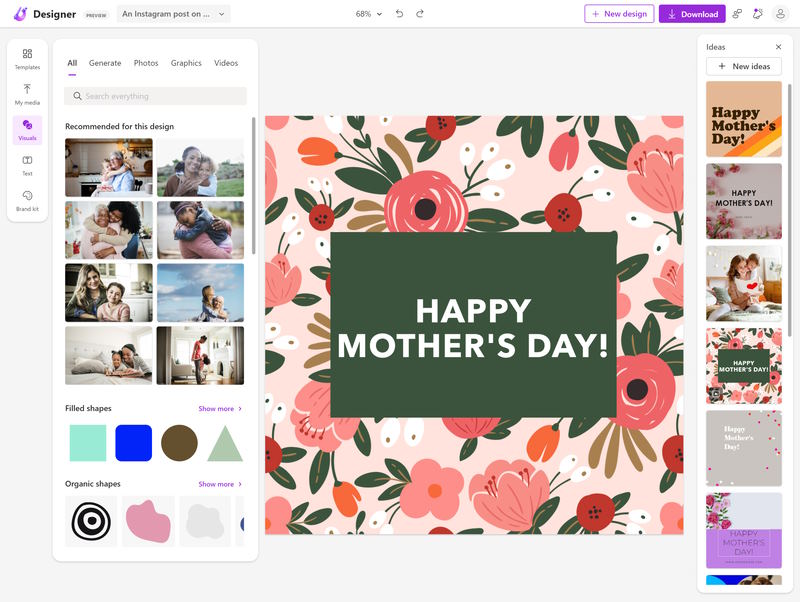
Microsoft Designer is a browser-based option for getting started with social graphics, invitations, and other simple layouts. Use it when a quick editable starting point matters more than precise vector control. Some features rely on an account or AI availability, which can vary; check the current access and usage limits before planning a regular workflow.
2. Adobe Express
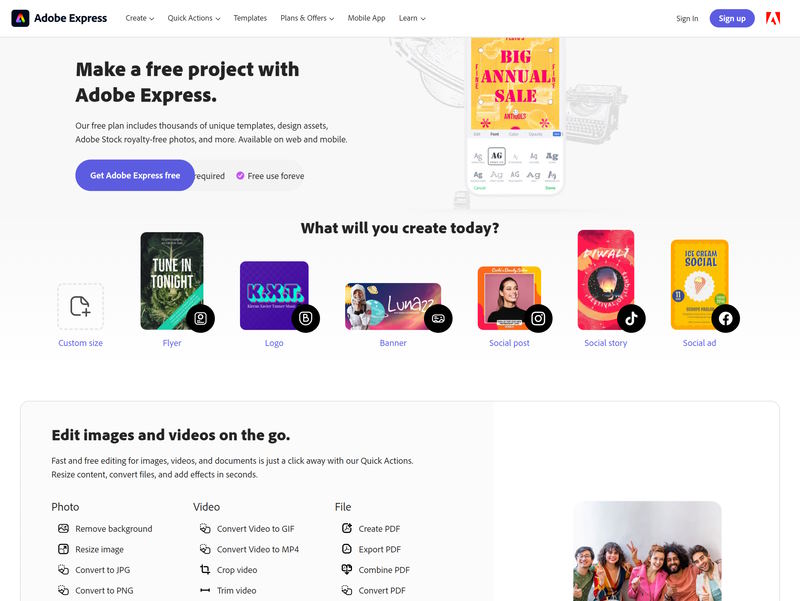
Adobe Express combines templates with quick image, video, and social-content editing in a browser and mobile app. Its free plan covers a selection of basic tools and assets; premium features and some stock content require a paid plan. Check the current plan details in the app before relying on a particular feature or asset.
3. Canva
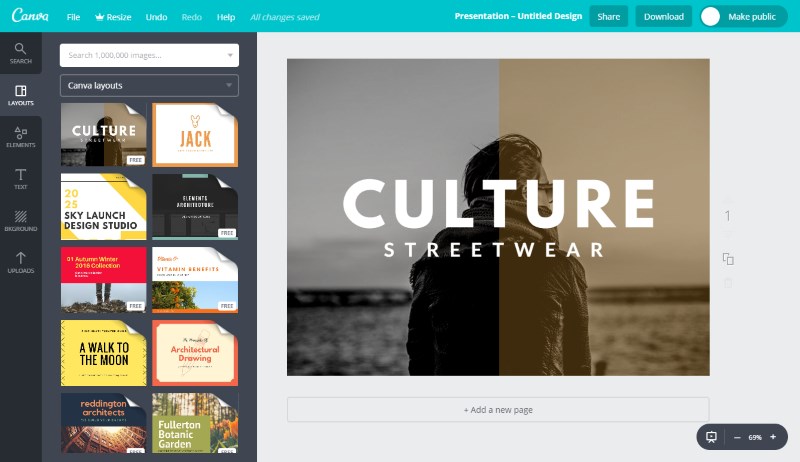
Canva is a convenient starting point for social posts, presentations, flyers, and items such as business letterheads. A free account is available, but some templates, assets, and features are paid. Check the labels and usage terms for the specific content you select, especially for client or commercial work, and confirm current plan details before depending on a paid feature. The link above opens Canva’s official mobile app listing; its web editor is also available from Canva.
4. Pixelied
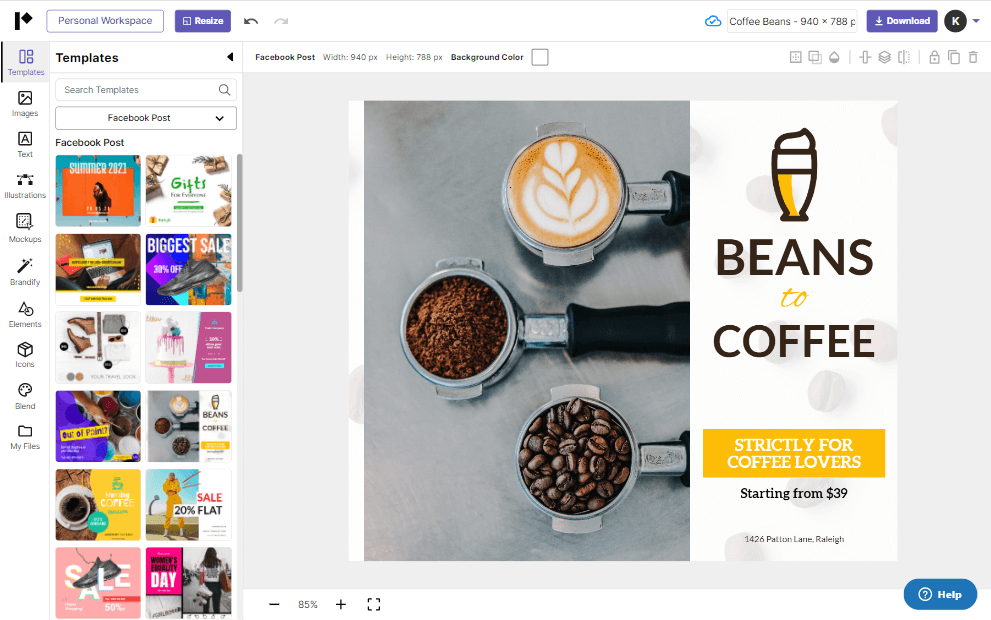
Pixelied is a browser-based editor for social graphics and other marketing designs. Its current pricing page lists a free plan with a limited selection of templates, editing tools, and cloud storage, alongside paid plans with additional assets and features. Compare those limits with your expected export volume before moving existing work into it.
5. VistaCreate
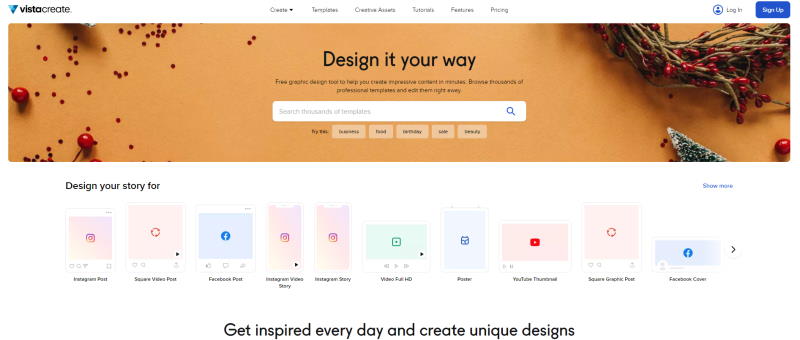
VistaCreate is a template-based editor for social posts, ads, presentations, and print layouts. Its official site describes a free plan as well as paid features and stock assets; check the current plan and content license before exporting work for a client or business.
6. Snappa
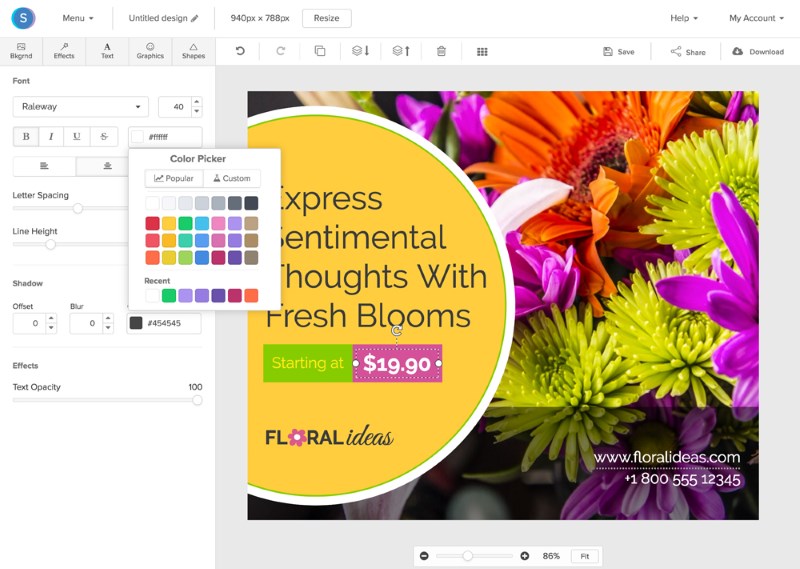
Snappa is built for quickly composing web and social graphics from templates and stock assets. Its current free plan allows three downloads per month; the paid plan removes that limit and adds features. This can work for occasional posts, but check the plan and asset terms from the pricing link in the official Snappa site if you publish regularly or need custom fonts and integrations.
7. Design Wizard
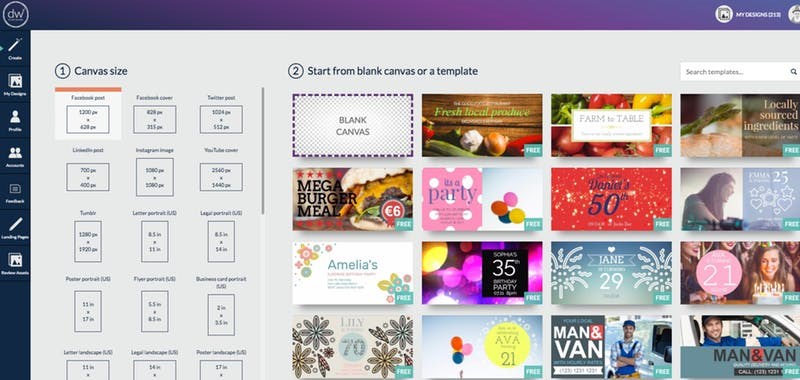
Design Wizard offers browser-based image and video templates, with a no-cost Basic plan and paid Pro features. The official plan page currently lists 15 MB of storage for Basic and separates premium assets and downloads into paid options. Its seven-day Pro trial can convert to a subscription, so review the cancellation terms before starting one.
Older listing: Stencil is no longer a current pick
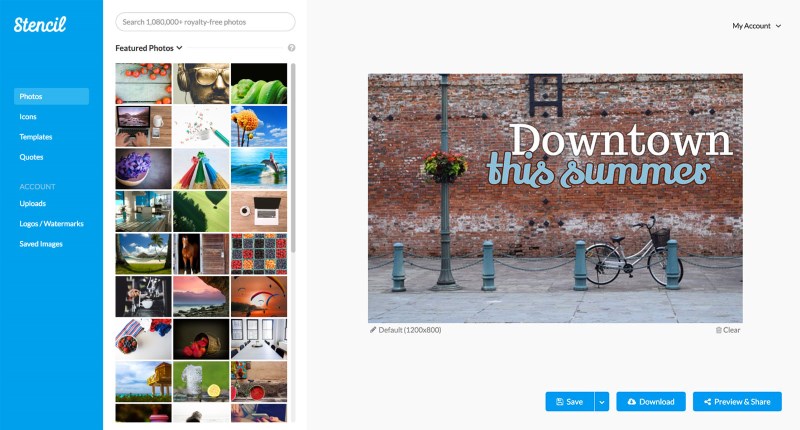
Stencil is not counted among the current recommendations: its former official domain now redirects to a different logo-making service, so the old free-plan details are not reliable. This screenshot is retained from an earlier edition and does not represent a verified current Stencil product.
Older listing: check Vectr’s current offer before choosing
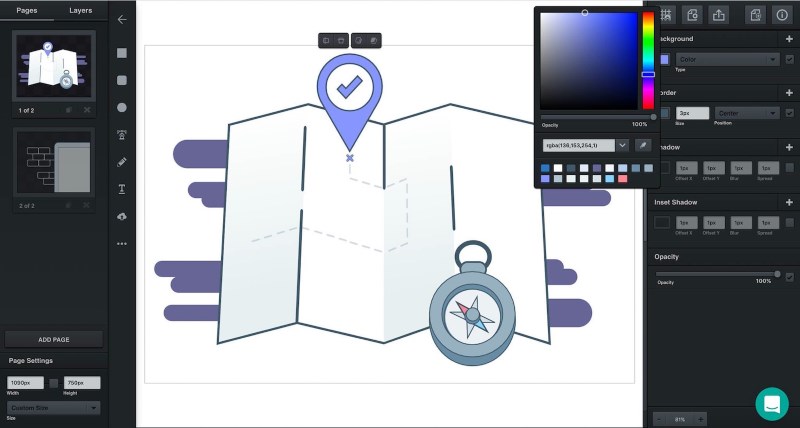
The current Vectr site presents a cloud-based AI vector and logo editor, a substantial change from the older free-editor description. Its current plan details require JavaScript and could not be verified in this review, so it is not counted as a confirmed free pick. The screenshot below is from the earlier version; for other vector options, see our free vector graphics editors guide.
8. Inkscape
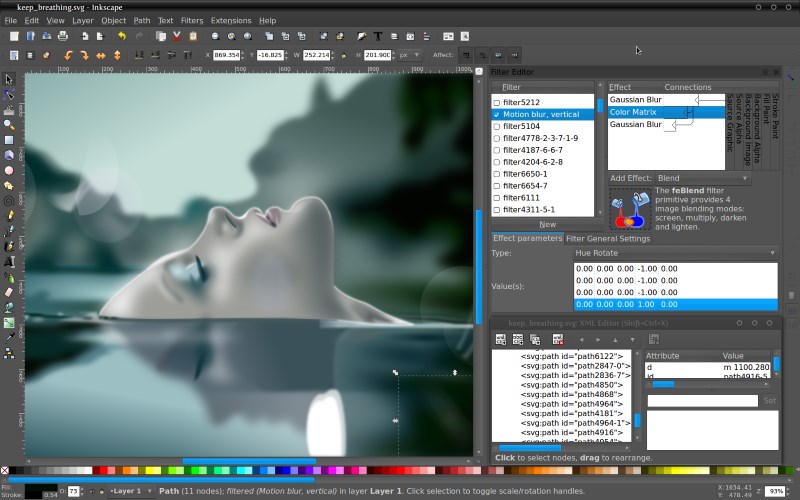
Inkscape is a free, open-source vector editor for Windows, macOS, and Linux. It is a strong choice for logos, icons, diagrams, and illustrations that need to remain editable at different sizes. It takes more practice than a template editor, but it works locally and does not require a design subscription. Check the official site for current downloads and documentation.
Here are some easy to follow Inkscape tutorials from our site:
- How to Work with Inkscape Interpolate Extension
- Create Flat Long Shadow App Icon in Inkscape
- How to Create Snowflakes in Inkscape
- How to Quickly Create Clouds in Inkscape
9. Figma
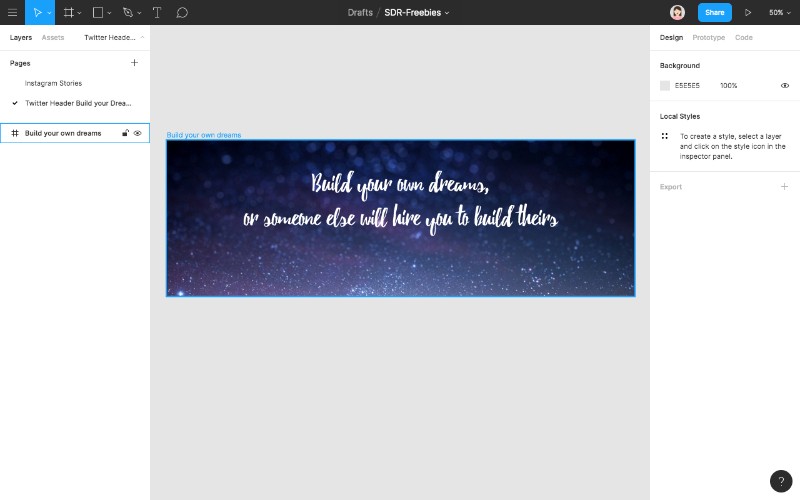
Figma is primarily for interface design, prototyping, and collaboration, rather than a general-purpose social graphics editor. Its vector tools can also help with simple illustrations and product mockups; browse our free illustrations for examples of another reusable design asset. Because files live in a collaborative cloud workflow, check the current sharing and plan limits before choosing it for a solo project.
Figma has a free Starter plan for beginning design work, with paid plans for expanded team features. See its current plan limits and design features; use it when shared UI files and prototypes matter more than offline access.
10. GIMP
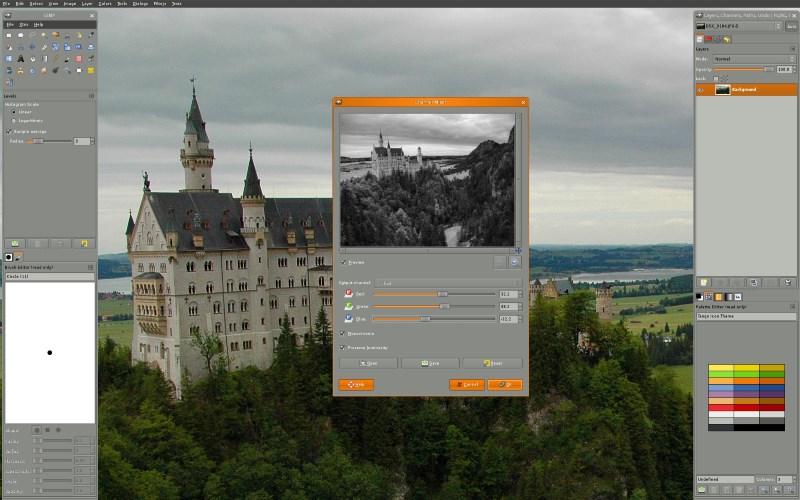
GIMP is a free, open-source raster editor for photo retouching, compositing, and pixel-based artwork. It is a better fit for editing an existing image than for laying out a multi-page brochure or building scalable vector artwork. The official site provides GIMP tutorials and current downloads for supported platforms.
You may also like: How to Create Diagonal Grid Pattern Backgrounds in Gimp
Start with one tool that fits the file you need to make, then test an export before building a recurring workflow around it. Template services are convenient for quick marketing assets; Inkscape and GIMP offer more control without a subscription, while Figma is aimed at interface work. For more beginner-friendly design references, see these SDR resources:
- 6 Infographics to help you Design the Perfect Logo
- 7+ Secrets for Creative Business Card Design
- How to Design a Creative Two-Letter Logo
- 7 Lessons from the Most Successful Logo Redesigns
- Free Fashion Instagram Stories Templates
Don’t forget to share this article in your social circle.

As I have been using Inkscape and Gimp for almost 13 years I can assure that I have never missed Illustrator nor Photoshop. They are great professional tools.